| Category | Recommended tool | Why | Student pricing (verified 2026) |
|---|---|---|---|
| Version control | Git + GitHub | Free private repos, the ecosystem every collaborator and most supervisors already know | Free (GitHub Free); GitHub Student Developer Pack adds Pro features and Copilot at no cost for verified students |
| Writing the document | Overleaf (LaTeX) | Handles equations, algorithms, cross-references and BibTeX citations more reliably than Word at thesis length | Free plan: unlimited projects, 1 collaborator, basic compile timeout. Paid Student plan: €7.25/month or €87/year, more collaborators, longer compile timeout (Overleaf’s own pricing page, confirmed this session) |
| Reference manager | Zotero (or your preference) | Handles conference papers, arXiv preprints and software citations; see this site’s dedicated comparison | Free core product; storage add-ons paid |
| Reproducible environment | conda / Python venv + pinned requirements, or Docker for full reproducibility | Lets your committee, or anyone, actually rerun your experiments | Free, open source |
| Testing | pytest (Python), JUnit (Java), or your language’s standard framework | Evidence your code does what your results chapter claims | Free, open source |
| Documentation | Sphinx or a project README plus inline docstrings | Makes code appendices and supplementary repositories usable by an examiner, not just by you | Free, open source |
| Notebooks / experiment tracking (ML-heavy theses) | Jupyter notebooks + a plain results log, or a dedicated tracking tool if your lab already uses one | Keeps exploratory work separate from the clean pipeline your results chapter reports | Jupyter is free, open source; dedicated tracking platforms vary — check current terms directly rather than assuming a free tier |
Version control: Git and GitHub
If your thesis involves any code — a software artefact, an experiment pipeline, analysis scripts — version control is not optional. GitHub’s free tier includes unlimited public and private repositories, which covers the version-control needs of almost any thesis project on its own. On top of that, the GitHub Student Developer Pack is a free bundle for verified students that currently includes GitHub Pro features, GitHub Copilot access, and a set of partner developer tools; eligibility is verified through GitHub’s own education programme, and the exact bundle contents change over time, so check GitHub’s page directly rather than assuming what is included today matches what was included last year. Commit your thesis document source (if using LaTeX) alongside your code in the same or a linked repository — it gives you a clean history if a chapter needs to be reverted, and it is evidence of your own process if that is ever a question.
Writing the document: Overleaf (LaTeX) vs Word
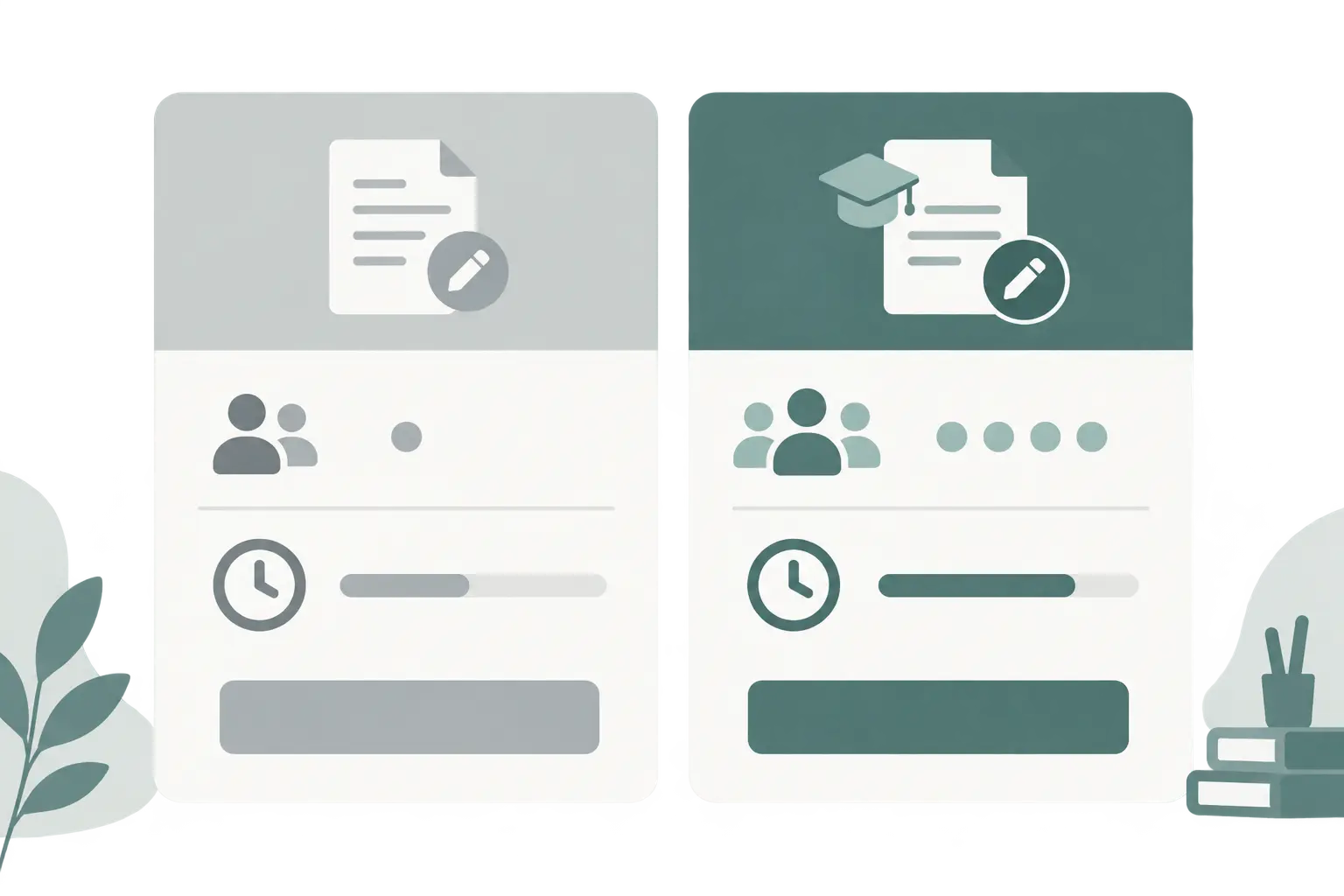
Many Canadian computer science departments provide a LaTeX thesis template that handles your school of graduate studies’ formatting rules automatically — margins, pagination, front-matter order — which is the strongest reason to use it even if you have never used LaTeX before. Overleaf is the standard way most students use LaTeX now, since it removes the local-installation step entirely. Verified this session directly from Overleaf’s own pricing page: the free plan gives unlimited projects, one collaborator per project, and a basic compile timeout; the paid Student plan (€7.25/month or €87/year at time of writing) adds up to ten collaborators per project and a longer compile timeout. For a solo thesis document with an occasional supervisor review, the free plan covers most needs; the paid tier becomes worth it mainly if your compile times are long (common once a thesis has many figures or a large bibliography) or if more than one collaborator needs simultaneous edit access.
If your department’s template is a Word template instead, use that rather than switching to LaTeX on your own initiative — formatting compliance with your own faculty’s template matters more than which tool you personally prefer.
Reproducible environments: why they matter more than they used to
Empirical CS work increasingly gets asked, at defence or by a reviewer, whether results can actually be reproduced. The lightweight option is a documented environment file — a conda environment.yml or a pinned requirements.txt for a Python virtual environment — committed alongside your code, so a reader can recreate your exact package versions. The heavier, more complete option is a Docker container that packages your entire environment, useful if your results depend on system-level dependencies that a package manager alone will not capture. Either is free and open source; the choice is about how much reproducibility your specific results need, not about cost.
Testing: the evidence your code does what you claim
A results chapter that states a system “works” with no accompanying test evidence is one of the more common gaps a committee flags in a software-project or design/prototype thesis. A documented test suite — pytest for Python, JUnit for Java, or your language’s standard framework — alongside a clear statement of what is and is not covered by tests, gives your methodology and results chapters something concrete to point to. This does not need to be exhaustive coverage; it needs to be honest about its own scope.
Documentation: making your repository usable by someone who is not you
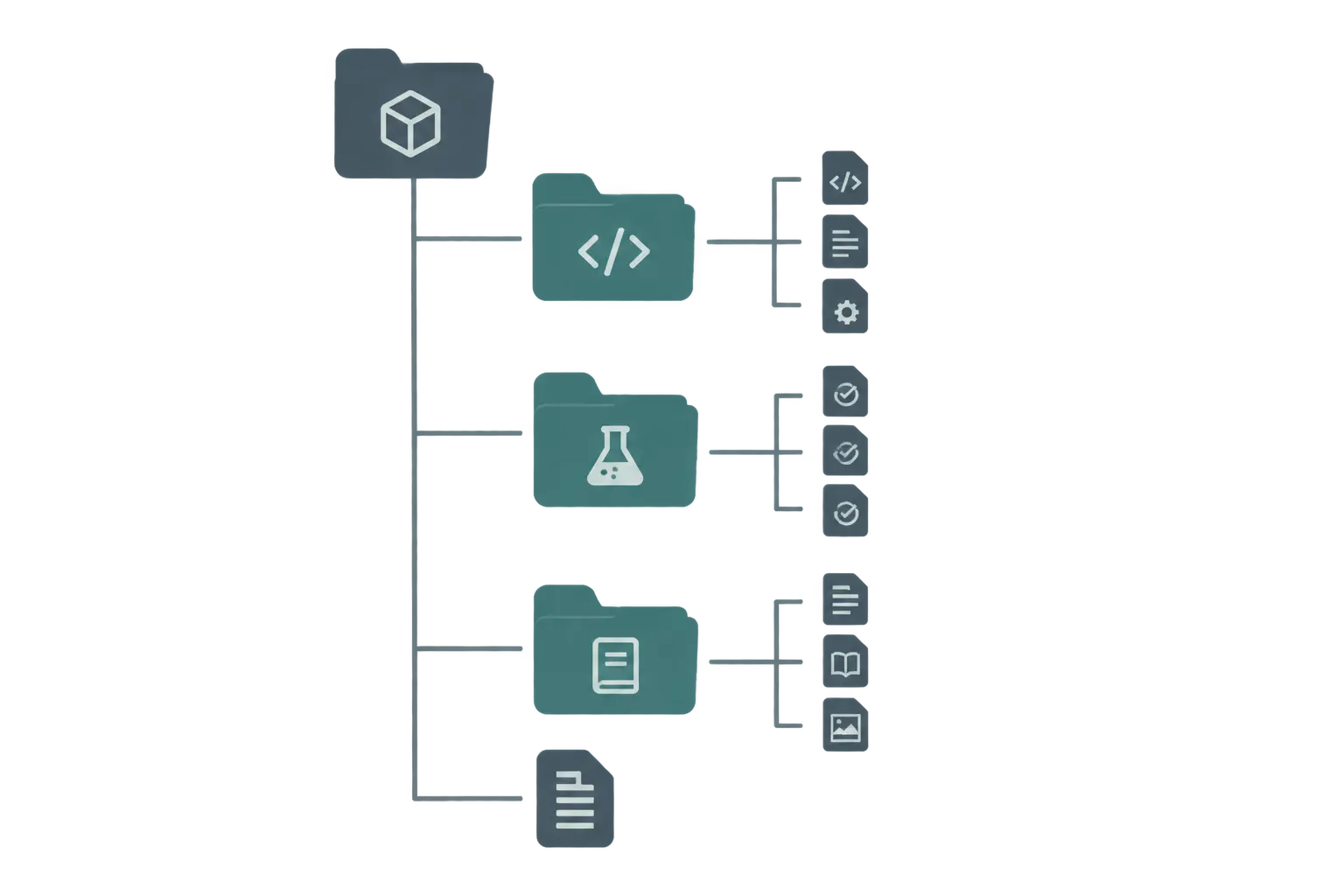
An examiner who wants to check a claim in your results chapter against your actual code should not have to read raw source files to understand what they do. A README describing how to set up the environment and run the core experiment, inline docstrings, and, for a larger codebase, generated documentation via a tool like Sphinx, are what makes a supplementary code repository actually useful as evidence rather than an unreadable dump.
Notebooks and experiment tracking for machine-learning-heavy theses
If your thesis involves iterating over many model configurations or hyperparameter settings, Jupyter notebooks are a reasonable place to explore, but a notebook full of your exploratory runs is not the same thing as the clean, reproducible pipeline your results chapter should be reporting from. A simple, free discipline that satisfies most committees: keep exploration in notebooks, but once you have settled on the configuration you are actually reporting, move it into a plain script with a fixed random seed and a results log (even a CSV of run parameters and outcomes is enough) that anyone can rerun and get the same numbers from. Dedicated experiment-tracking platforms exist and can help if your lab already has institutional access to one, but their pricing and academic-tier terms vary and change, so check the vendor’s own current page rather than assuming free access.
Our recommendation, and a lighter-weight alternative
Recommended stack: Git + GitHub (free) for version control, Overleaf’s free plan for writing unless you hit its collaborator or compile-time limits, a pinned conda or venv environment for reproducibility, pytest/JUnit for testing, and a plain results log rather than a dedicated tracking platform unless your lab already provides one. This stack costs nothing beyond time, and the GitHub Student Developer Pack adds useful extras at no cost if you are eligible.
Lighter-weight alternative: if your department provides a Word template and your project has no code artefact to version, you can skip Git and Overleaf entirely and rely on your university’s own Word template plus a reference manager — the reproducibility, testing, and notebook sections above apply specifically to projects with a software, data, or model artefact, not to every CS thesis topic (a theoretical or literature-based CS thesis may not need any of them).
Where this fits with the rest of your thesis
This tech stack supports the writing and evidence side of a computer science thesis; for the chapter structure itself, see how to structure a computer science thesis, which covers the standard introduction-through-conclusion chapters and the ACM artifact badging system for code submissions. For citation management specifically, Zotero vs Mendeley vs EndNote covers the reference-manager decision in more depth than this article’s summary row. If your thesis method involves human participants rather than only code and data, REB-ready survey and interview templates and how many participants you need are the relevant next steps. Once you have a working stack and are ready to draft the prose that connects your results to your research questions, Tesify can help with that writing and structuring side specifically — it does not write or run your code, and you stay the author of your own results.
Frequently asked questions
Do I need LaTeX for a computer science thesis?
Not always, but many Canadian CS departments provide a LaTeX thesis template, and LaTeX handles equations, algorithms, citations and cross-references more reliably than Word once a document gets long. If your department provides a Word template instead, use that — the choice is usually set by your faculty, not left to you.
Is Overleaf free for students?
Overleaf has a free plan (unlimited projects, one collaborator per project, a basic compile timeout), and a separate paid Student plan with more collaborators and a longer compile timeout. For a solo thesis document the free plan is usually enough; check Overleaf’s own pricing page for current terms before assuming a figure.
What is the GitHub Student Developer Pack?
It is a free bundle of developer tools for verified students, including GitHub Pro features, Copilot, and Codespaces access, among other partner offers. Verification is through GitHub’s own education programme; confirm current eligibility and included offers on GitHub’s page, since the bundle’s contents change over time.
Do I need to use Docker for a CS thesis?
Only if reproducibility of your specific environment matters to your committee or to anyone who might rerun your experiments — which is increasingly expected for empirical CS work. A documented virtual environment (conda or a Python venv with a pinned requirements file) is a lighter alternative that satisfies most committees.
Should I use a reference manager for a CS thesis?
Yes — CS theses cite conference papers, arXiv preprints, and software documentation, and a manager saves real time over hand-typing BibTeX entries. See this site’s own comparison of reference managers for which one fits your workflow.
What testing approach do committees expect for a software-project thesis?
At minimum, a documented test suite for any code you claim works — unit tests using your language’s standard framework (pytest for Python, JUnit for Java, and so on) — plus a clear statement of what was and was not tested. A thesis that claims a system “works” with no test evidence is a common gap examiners flag.
What if my supervisor or department requires Word instead of LaTeX?
Use the template your department provides. Formatting compliance with your own faculty’s required template takes priority over any tool preference in this article — a technically excellent LaTeX document that ignores a mandated Word template creates unnecessary friction with your school of graduate studies at submission.
Should I use a dedicated experiment-tracking platform?
Only if your lab or supervisor already has institutional access to one, or your project genuinely needs to track many runs systematically. For a single-thesis project, a disciplined results log alongside version-controlled code is usually enough, and it avoids depending on a third-party platform’s pricing or availability for your thesis’s reproducibility.
Can Tesify help with the writing side of a CS thesis if I already have my code and results?
Yes — Tesify is built for the writing and structuring side (chapters, citations, the prose connecting your results to your research questions), not for writing or running your code. Check Tesify’s own pricing page for current plans.