| Software | Best for | Free student access | Learning curve | Typical thesis use |
|---|---|---|---|---|
| SolidWorks | Parametric 3D CAD, assemblies, drawings | Yes, via institutional lab licence or SolidWorks for Students | Moderate | Mechanical design chapters, part/assembly modelling, engineering drawings for appendices |
| Autodesk Fusion 360 / Inventor | Cloud-based CAD with integrated simulation and generative design | Yes, free for students and educators via Autodesk Education | Moderate | Design iteration where cloud collaboration with a supervisor matters, or where a laptop-only workflow is needed |
| ANSYS | Finite element analysis (FEA), CFD, structural and thermal simulation | Yes, ANSYS Student (limited mesh size) free; full version usually via a university licence | Steep | Stress analysis, thermal simulation, and validation chapters that compare simulated to experimental results |
| MATLAB / Simulink | Numerical analysis, control systems modelling, data processing | Often yes, via a university’s MathWorks Campus-Wide Licence | Moderate | Control-system design, signal processing, and any chapter reporting custom numerical models rather than CAD geometry |
| COMSOL Multiphysics | Coupled multiphysics simulation (thermal + structural + electromagnetic together) | Rarely free; typically a paid or lab-specific licence | Steep | Theses where more than one physical phenomenon must be modelled simultaneously and ANSYS’s separate modules are not the right fit |
| AutoCAD | 2D technical drawing and drafting | Yes, free for students via Autodesk Education | Low to moderate | Schematic and technical drawings where full 3D parametric modelling is unnecessary |
The recommendation
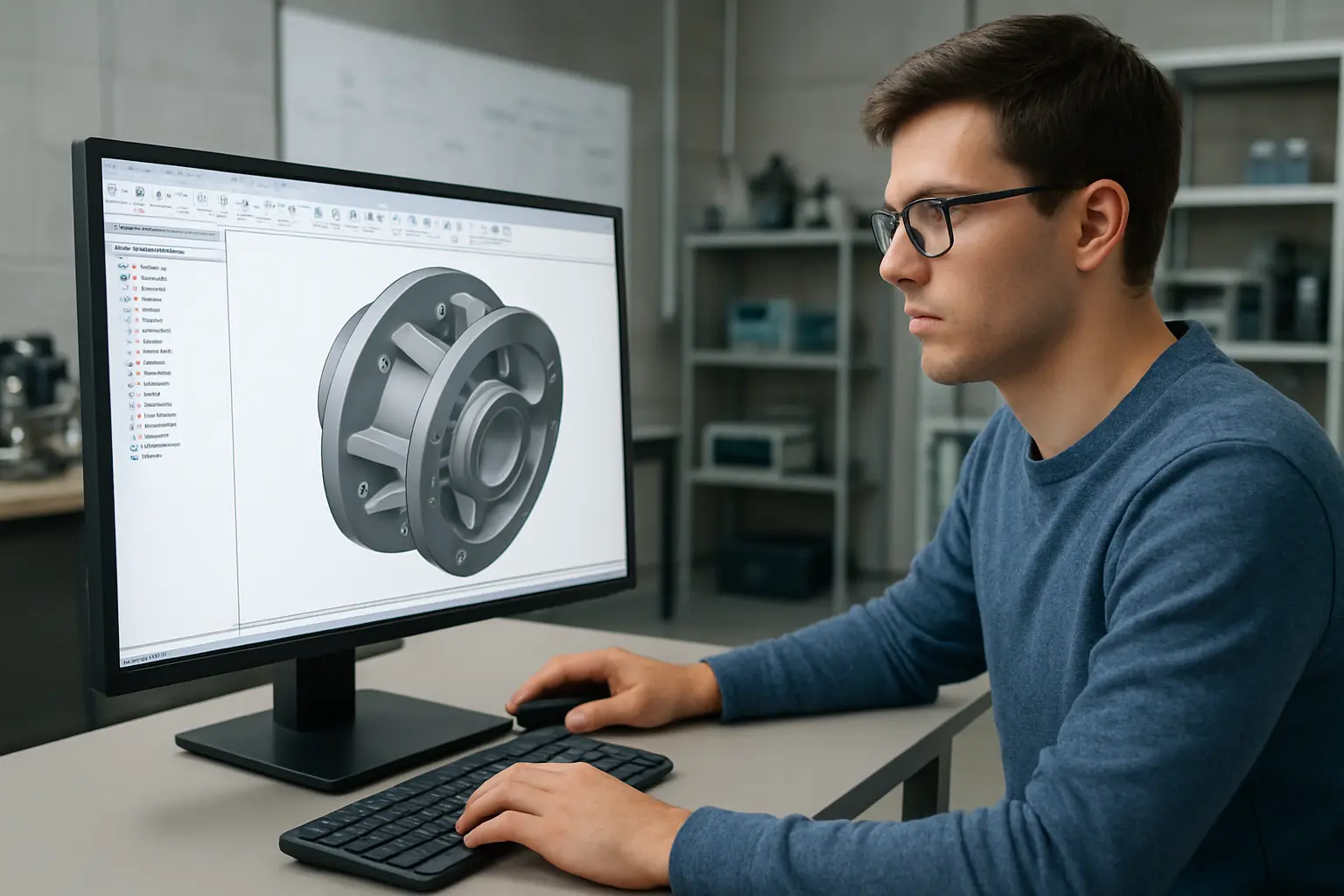
SolidWorks is the strongest default for a mechanical engineering thesis that centres on a physical design: it is what most Canadian mechanical engineering departments teach in the design-methods course your program likely required, so your supervisor and committee will read your drawings and assemblies without any translation step, and its built-in Simulation add-in covers basic stress and thermal analysis without leaving the CAD environment. For a thesis on control systems, signal processing, or any project reporting custom numerical models rather than physical geometry, MATLAB/Simulink is the better default and is usually available through the same campus-wide licence.
Runner-up for a laptop-only or cloud-collaborative workflow: Autodesk Fusion 360. It is free for students, runs in a browser as well as natively, and its integrated generative-design and simulation tools mean a student without lab access to a full ANSYS licence can still run a defensible first-pass structural check.
SolidWorks: parametric CAD for design-focused theses
SolidWorks is the design standard taught in most Canadian mechanical engineering undergraduate and graduate programs, which matters more for a thesis than raw capability — your supervisor’s ability to open, review, and comment on your model files without a conversion step removes a real source of friction during committee review. Its native Simulation module (basic static, thermal, and frequency analysis) covers many thesis-level validation needs without requiring a separate FEA package, though it is not a substitute for ANSYS on genuinely complex multiphysics problems. Most Canadian universities license lab-computer seats and additionally offer SolidWorks for Students for personal-machine installation, so check your department’s specific access route before assuming you need a personal licence. Whichever CAD package you settle on, state that choice explicitly and early in your methodology chapter, alongside the version number — a common and easily avoided gap in mechanical engineering theses.
Autodesk Fusion 360 / Inventor: cloud CAD with integrated simulation
Fusion 360’s free-for-students licence and browser-accessible workflow make it the practical choice when you are working across a personal laptop and a lab machine, or collaborating with a supervisor who wants to comment on a model without installing full CAD software. Its integrated generative-design tool, which proposes optimized part geometry against your specified constraints and loads, is genuinely useful for a thesis chapter on design optimization, and its built-in simulation covers basic structural and thermal analysis at a level comparable to SolidWorks Simulation. Inventor, Autodesk’s desktop-native CAD package, sits alongside Fusion 360 in the same student-licence programme and is closer to SolidWorks in workflow for students who prefer a fully offline, desktop-first tool.
ANSYS: the field standard for finite element and CFD analysis
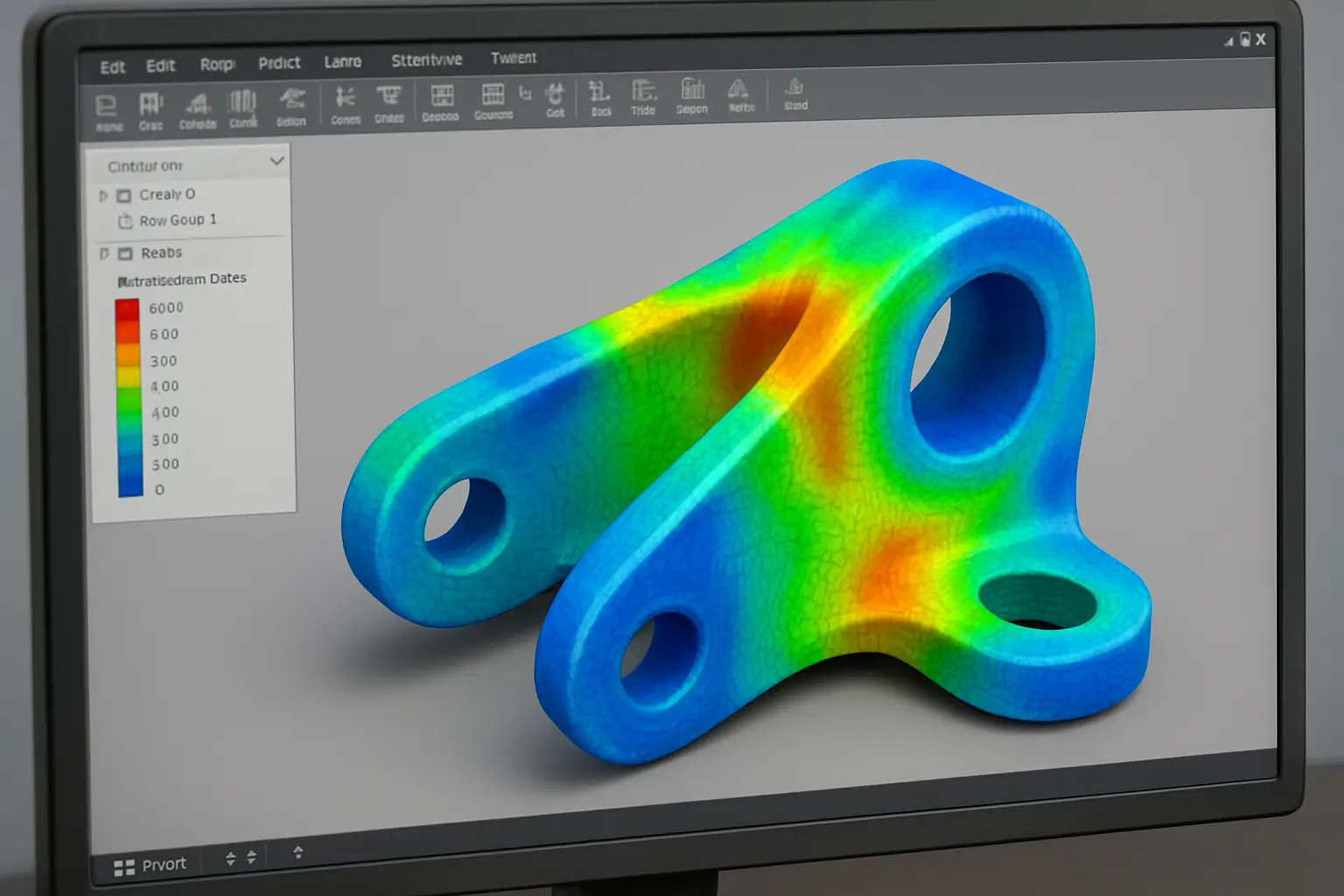
When your thesis chapter reports finite element analysis (stress, fatigue, modal, thermal) or computational fluid dynamics results, ANSYS is what most Canadian mechanical engineering examiners expect to see named, because it is the package most graduate-level simulation courses teach and most published mechanical engineering papers in the field use. ANSYS Student is free but caps mesh element count, which is often too restrictive for a genuinely thesis-scale model — most students end up needing the full licence through a departmental lab or supervisor’s research-group seat. Budget time for the learning curve: setting up a correct mesh, boundary conditions, and convergence check is where most students lose the most time, not running the solver itself.
MATLAB/Simulink: numerical modelling and control systems
For a thesis centred on control-system design, signal processing, or any custom numerical model that is not primarily a CAD geometry problem, MATLAB with the Simulink add-on is the standard tool, and most Canadian universities provide a campus-wide MathWorks licence covering both students and staff. Its strength for thesis work specifically is reproducibility: a well-organized MATLAB script or Simulink model can be included as a supplementary file and rerun by an examiner, which is a level of transparency a black-box spreadsheet calculation cannot match. If your thesis also needs conventional inferential statistics rather than only numerical modelling, see how MATLAB compares with the dedicated options in statistics software for a thesis generally — the two toolchains solve different problems and are often used side by side.
COMSOL Multiphysics: when more than one physical phenomenon interacts
COMSOL earns its place in a thesis specifically when your problem genuinely requires modelling two or more coupled physical phenomena at once — thermal expansion affecting a structural load, or an electromagnetic field generating heat that then affects material properties — rather than running separate single-physics analyses and combining the results manually. It rarely has a free student tier, so confirm access through your supervisor’s research group or department lab before committing your thesis design to it; switching simulation software mid-thesis is expensive in time.
AutoCAD: when you need drafting, not 3D parametric modelling
AutoCAD remains the right tool specifically for 2D technical and schematic drawings where a full 3D parametric model would be overkill — a piping and instrumentation diagram, an electrical schematic, or a site layout drawing for a thesis appendix. It is free for students through Autodesk Education alongside Fusion 360 and Inventor, so there is no cost reason to avoid it when 2D drafting is genuinely what the task calls for. Civil engineering theses face a parallel software-choice decision one step earlier in the process — see how a civil engineering methodology chapter documents its own design-software choice for comparison.
What actually costs money once your student licence expires
Student and educational licences are typically tied to your active enrollment, and this catches students off guard specifically at the thesis-revision stage, after their program officially ends but before their final defence corrections are complete. Before your enrollment lapses, export your models in a durable, tool-independent format (STEP for CAD geometry, a plain-text or .mat file for MATLAB data) so you can still open and reference your own work if your licence expires mid-revision. ANSYS and COMSOL post-graduation access is the most restrictive of the tools above, since neither typically offers a low-cost personal licence the way Autodesk and MathWorks do — plan your final simulation runs well before your defence date rather than assuming you can rerun a model afterward.
Common mistakes with simulation software in a mechanical engineering thesis
- Reporting simulation results without a mesh-convergence check. A single mesh density run, with no evidence the result is stable as the mesh is refined, is one of the first things an examiner with an FEA background checks.
- Mixing units silently. SolidWorks and ANSYS both allow inconsistent unit systems across a model without always warning clearly; a results chapter with an order-of-magnitude error traced to a unit mismatch is a real, recurring failure mode.
- No validation against a hand calculation or published benchmark. Even an approximate analytical check against your simulation result signals to examiners that you understand what the software is actually computing, not just how to click through its interface.
- Switching software mid-thesis without a stated reason. If your methods chapter starts in SolidWorks and your results chapter shows ANSYS Workbench screenshots with no explanation of the workflow between them, examiners read this as disorganization rather than a deliberate toolchain.
How to decide which one your thesis actually needs
- Identify what you are actually producing — a physical part or assembly (CAD), a simulated physical behaviour (FEA/CFD), a control or signal-processing model (MATLAB), or a 2D drawing (AutoCAD). Most theses need two of these, not one.
- Check what your department already licenses. Using the software your program teaches and your supervisor already knows removes a real source of committee friction; do not default to a personal preference over your department’s standard tool without a specific reason.
- Confirm access before you commit your design to it — ANSYS’s free student tier’s mesh-size cap and COMSOL’s limited free access are the two most common places students discover mid-project that their intended tool cannot handle their actual model size.
Frequently asked questions
Can I use Fusion 360 instead of SolidWorks if my department teaches SolidWorks?
Usually yes for your own modelling work, but check with your supervisor first — some departments require final thesis drawings in a specific native format for archiving, and exporting between the two can introduce feature-tree or dimension errors that are easy to miss.
Is the free ANSYS Student edition enough for a full thesis?
Often not, once your mesh needs to represent a realistic thesis-scale geometry — the free tier’s element-count cap is a common bottleneck. Confirm access to your department’s full licence early rather than discovering the limit partway through your analysis chapter.
Do I need both MATLAB and a CAD package?
Frequently, yes — a mechanical engineering thesis with both a physical design component and a control or data-analysis component typically needs CAD software for the geometry and MATLAB for the numerical modelling; they are not substitutes for each other.
Which software should I use if my thesis is purely computational, with no physical prototype?
MATLAB/Simulink or ANSYS, depending on whether your model is a control/signal-processing problem or a physics-simulation problem — you likely do not need a CAD package like SolidWorks at all if there is no physical part to design.
Will my university’s licence work on my personal laptop at home?
Depends on the software and your department’s licensing agreement — SolidWorks, MATLAB, and the Autodesk suite commonly offer student take-home installations, while ANSYS and COMSOL full licences are more often lab-machine or network-licence restricted. Confirm with your department’s IT or licensing office rather than assuming.
Should I mention the software version number in my thesis?
Yes, always — simulation results, mesh behaviour, and even default material libraries can change between major software versions, and examiners increasingly expect the specific version stated in your methods chapter for reproducibility, the same way you would cite a statistics package version.
What if my thesis involves geospatial or environmental modelling instead of mechanical design?
None of the tools above are the right fit — see the dedicated comparison of GIS software for an environmental science thesis instead, since geospatial analysis uses a different toolchain entirely.
Where Tesify fits
None of these tools write your methodology chapter or interpret your simulation results for you — that judgement stays yours. Once you have your CAD drawings, simulation outputs, and MATLAB scripts organized, Tesify helps turn the numbers and figures into a clearly structured, properly cited methodology and results narrative, so the software choice above stays a modelling decision, not also a formatting one.